
Search (⌘K)
Press ⌘K (or click Search in the top bar) from anywhere in the app to jump straight to a workspace or an assessment by name, without navigating the Portfolio.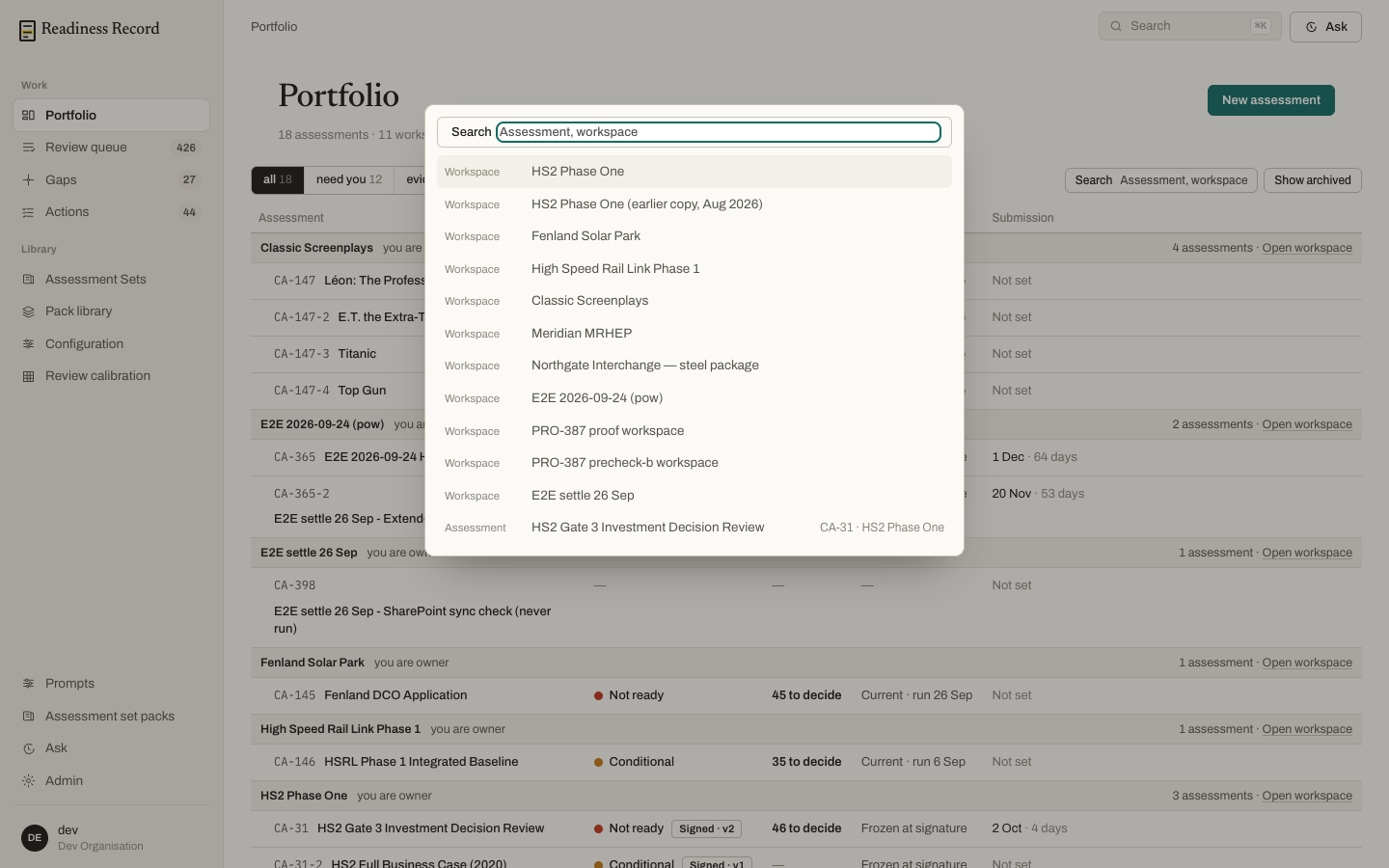
Ask
Ask is a conversational panel for questions against your documents — either about a whole workspace, a specific document, or scoped to one criterion, depending on where you open it from.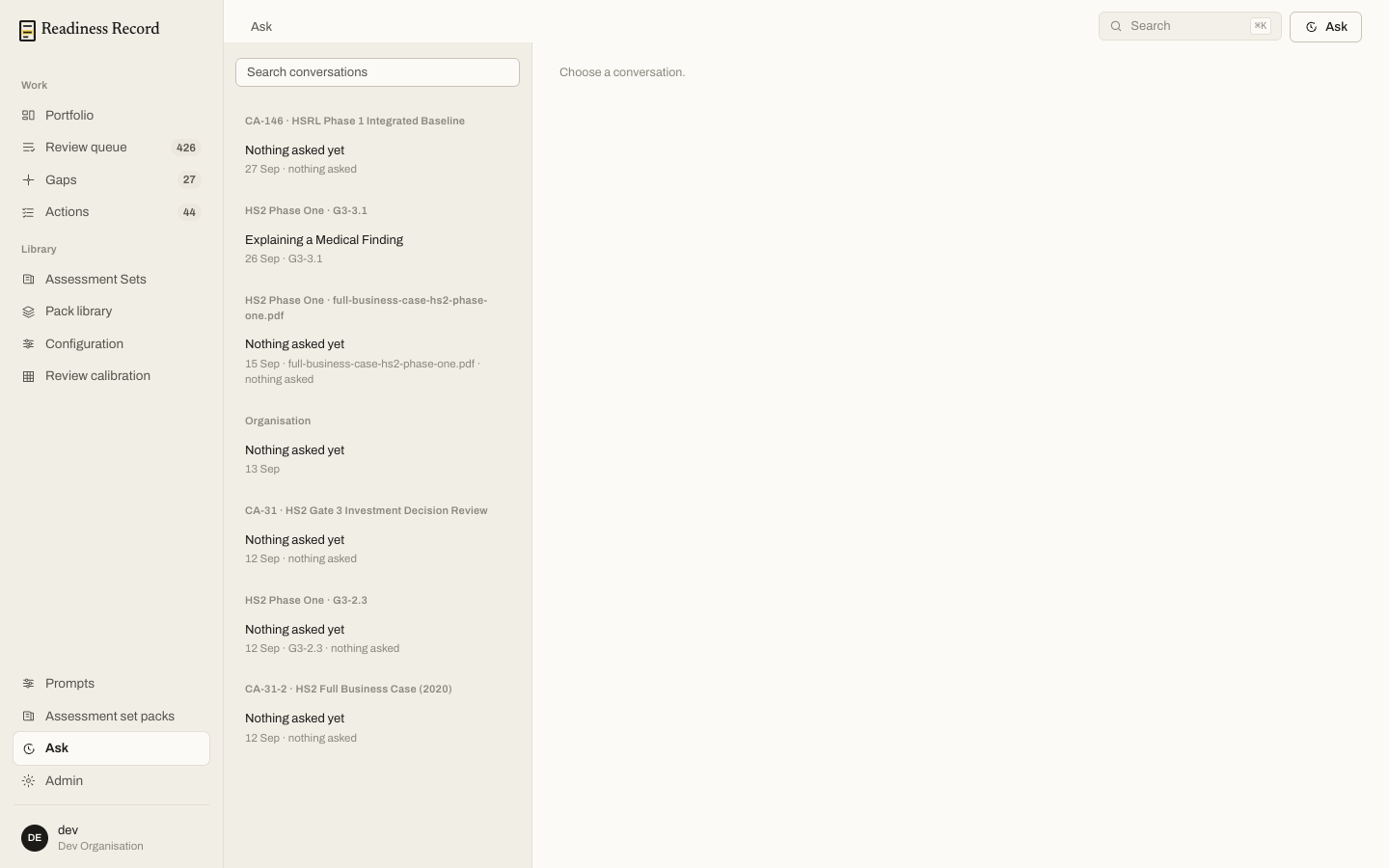 Past conversations are listed on the left, grouped by what they’re scoped to. Each answer cites the specific passages it drew on, numbered against the source.
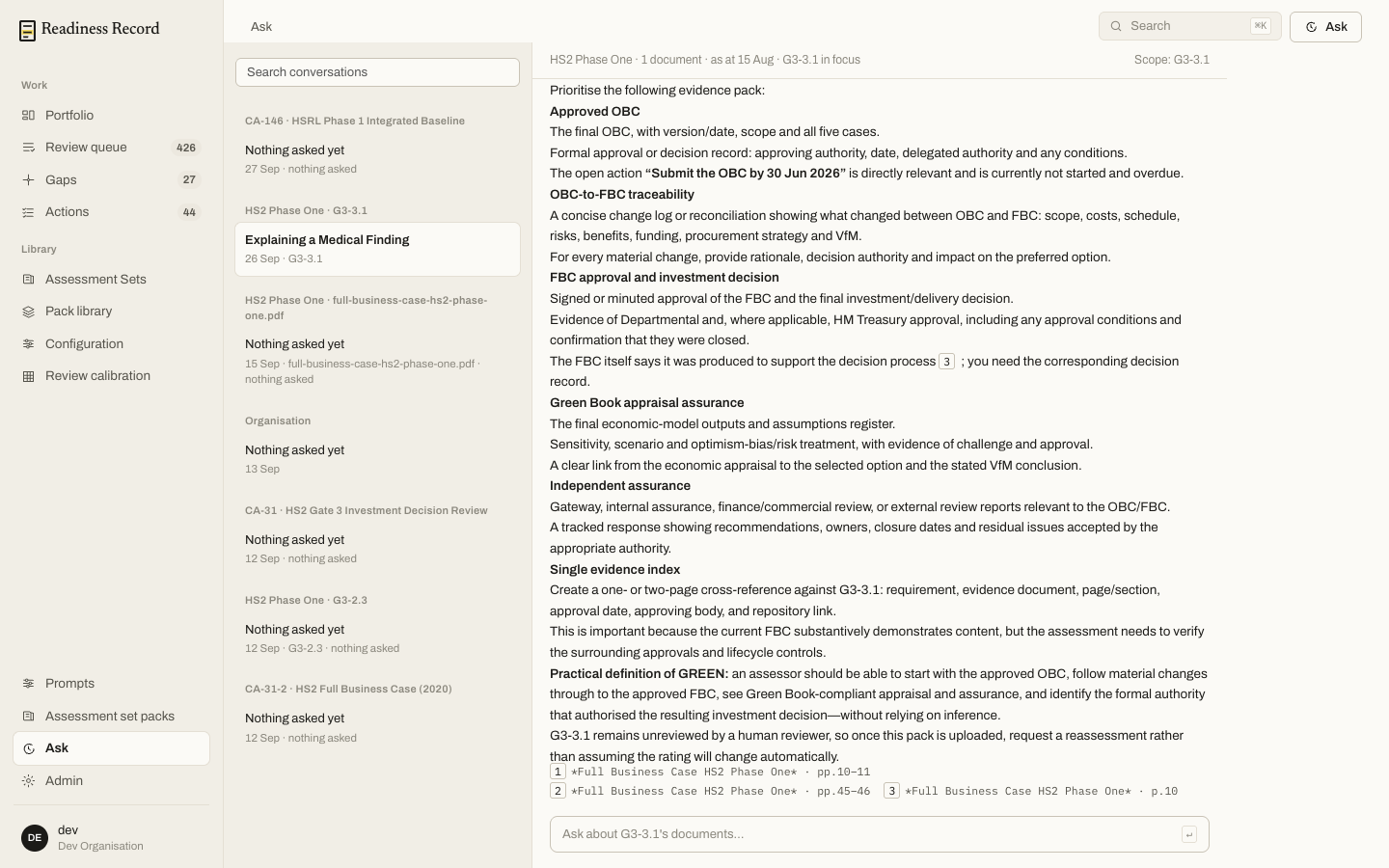 You can also open Ask directly from a finding in Findings Review — “Ask about this document” starts a conversation scoped to exactly what’s on screen. See Findings Review.
What’s next
- Findings Review — where Ask is most useful, against a specific finding